Introduction
Getting your videos noticed on YouTube isn’t just about creating great content. Behind every successful video is a well-planned SEO strategy, and one small but valuable part of that strategy is using relevant video tags. If you’ve ever wanted to discover which tags successful creators use, a YouTube Tags Extractor is the perfect tool.
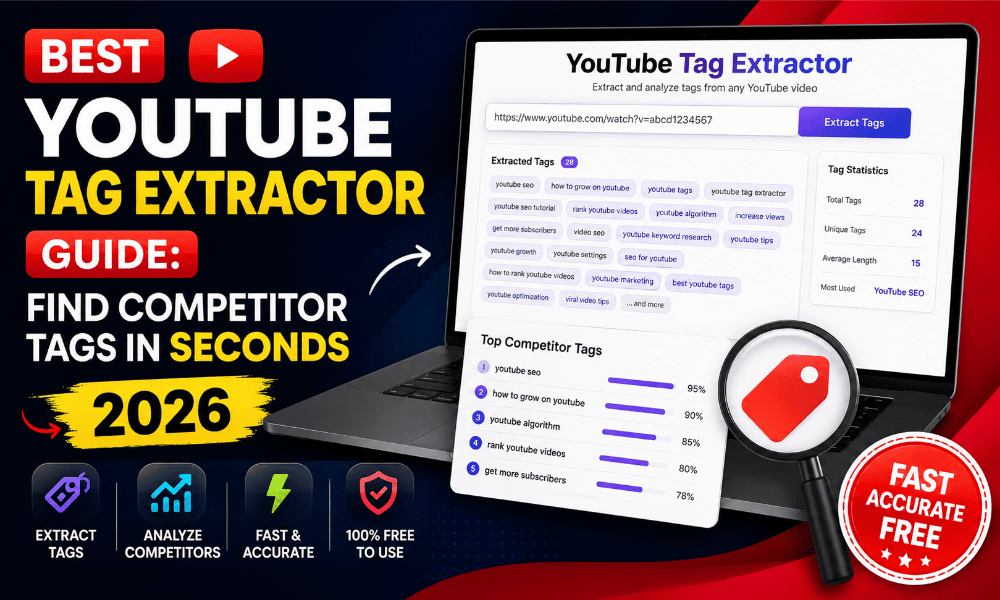
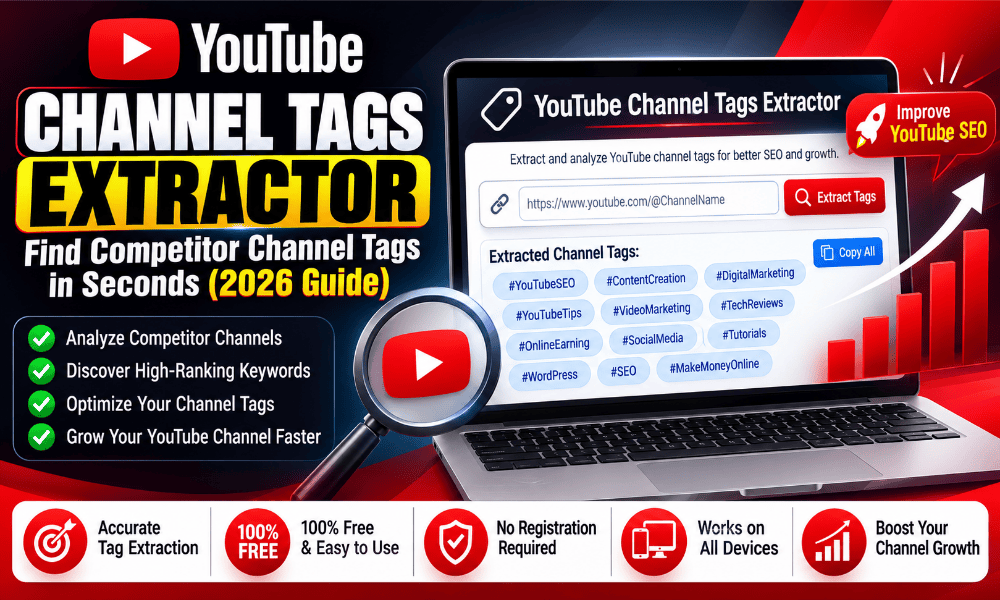
A YouTube Tags Extractor allows you to instantly view and copy tags from any public YouTube video. Instead of guessing which keywords a creator has used, you can extract them in seconds and analyze how they’re optimizing their videos for search.
Whether you’re a beginner starting your first YouTube channel or an experienced creator looking to improve rankings, understanding competitor tags can help you discover new keyword ideas, organize your content strategy, and create videos with better search visibility.
The best part is that modern YouTube Tags Extractor tools work entirely online. There’s no software to install, no account to create, and no technical knowledge required. Simply paste a YouTube video URL, and the tool instantly displays all available tags.
In this complete 2026 guide, you’ll learn what a YouTube Tags Extractor is, how it works, why YouTube tags still matter, and how creators use extracted tags to improve their YouTube SEO.
Quick Answer
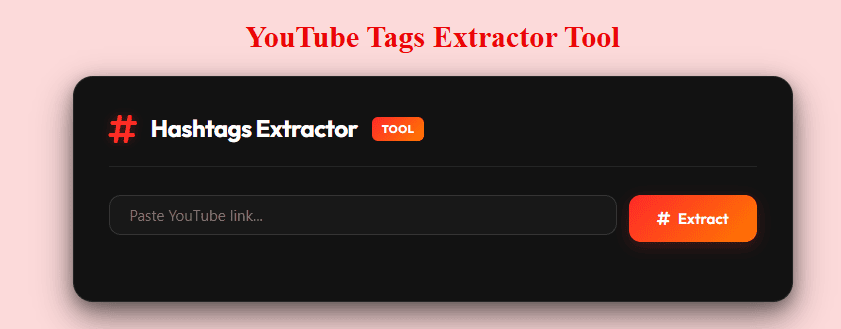
A YouTube Tags Extractor is an online tool that lets you view and copy tags from public YouTube videos. Simply paste the video URL, and the tool extracts the video’s tags, making it easier to research competitors, discover relevant keywords, and improve your YouTube SEO strategy.
What Is a YouTube Tags Extractor?
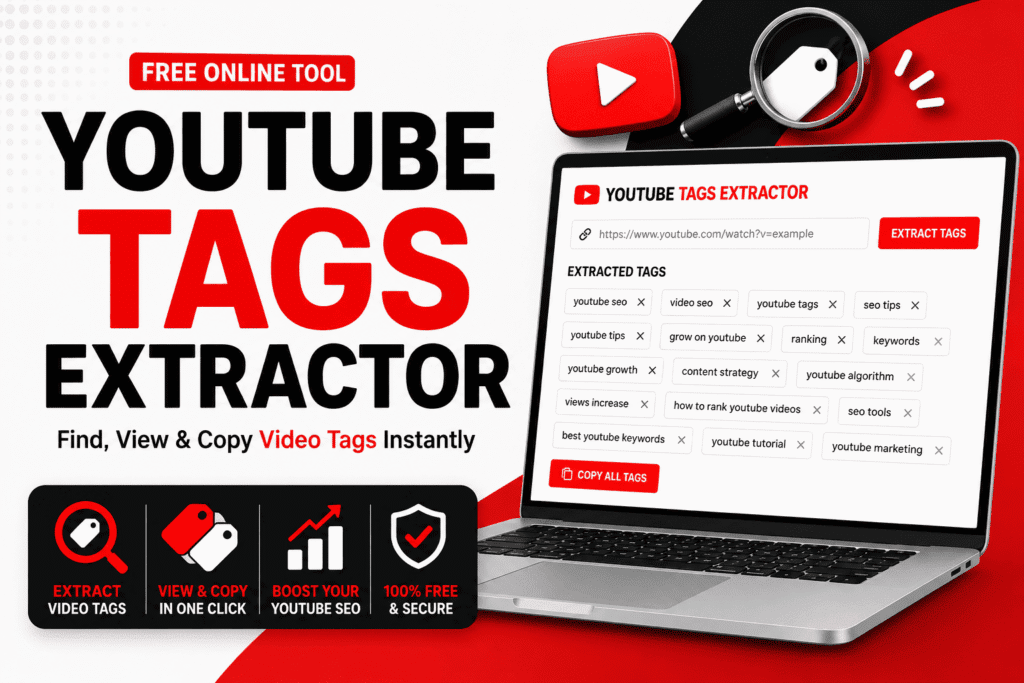
A YouTube Tags Extractor is an online SEO tool that retrieves the tags used in a public YouTube video. These tags help creators categorize their content and provide additional context to YouTube’s algorithm.
Instead of manually searching for keywords or trying to guess what tags a creator has used, a YouTube Video Tags Extractor displays them instantly in one place. You can then copy the tags for research, inspiration, or keyword analysis.
Most online tools follow a simple process:
- Copy the YouTube video URL.
- Paste it into the extractor.
- Click the Extract button.
- View all available video tags.
- Copy the tags with one click.
The entire process usually takes only a few seconds.
Why Are YouTube Tags Important?
Although YouTube’s algorithm has become much smarter over the years, tags still play a supporting role in helping YouTube understand the topic of a video.
When used correctly, relevant tags can:
- Provide additional context about your video.
- Help YouTube understand similar topics.
- Improve the chances of appearing in related videos.
- Support keyword relevance alongside titles and descriptions.
- Help creators organize content more effectively.
Tags alone won’t rank a video, but when combined with a strong title, optimized description, engaging thumbnail, and quality content, they contribute to a better overall SEO strategy.
Benefits of Using a YouTube Tags Extractor
A YouTube Tags Extractor is much more than a tool for copying keywords. It helps creators make informed SEO decisions based on real videos that are already performing well.
Discover Competitor Keywords
Instead of guessing which keywords successful creators target, you can view their video tags and identify patterns within your niche.
Save Research Time
Manual keyword research can take hours. A YouTube Tags Finder instantly extracts tags, allowing you to spend more time creating content.
Find New Content Ideas
Competitor tags often reveal related topics that you may not have considered. These ideas can inspire future videos and expand your content strategy.
Improve YouTube SEO
Analyzing extracted tags helps you understand which keywords are commonly associated with successful videos in your niche.
Organize Your Keyword Research
Many creators build keyword lists by collecting tags from multiple high-performing videos. Over time, this creates a valuable library of ideas for future uploads.
How Does a YouTube Tags Extractor Work?
Every YouTube video contains metadata that helps describe its content. A YouTube Tags Extractor scans the publicly available information associated with a video and displays its tags in a readable format.
The process is simple:
- Enter the YouTube video URL.
- The tool identifies the video.
- It retrieves the available tag data.
- All detected tags are displayed instantly.
- You can copy the tags for analysis or future reference.
Because everything happens online, there’s no need to install browser extensions or desktop software.
Who Should Use a YouTube Tags Extractor?
A YouTube Tags Extractor is useful for anyone who wants to improve their YouTube strategy.
It is especially valuable for:
- YouTube creators
- Beginners starting a new channel
- SEO specialists
- Digital marketers
- Social media managers
- Bloggers
- Agencies
- Content strategists
- Marketing students
- Brand managers
Whether you’re optimizing your own videos or researching competitors, extracting tags provides valuable insights that can strengthen your content planning and keyword research.
Why Creators Analyze Competitor Tags
Successful creators rarely rely on guesswork. Before publishing a new video, they often study top-ranking content within their niche to understand which topics and keywords are being targeted.
Using a YouTube Tags Extractor helps creators:
- Discover keyword opportunities.
- Understand competitor SEO strategies.
- Find niche-specific search terms.
- Identify trending keyword patterns.
- Plan future content more effectively.
Rather than copying tags directly, smart creators use them as inspiration to build their own unique and relevant keyword strategy.
How to Extract YouTube Video Tags
Using a YouTube Tags Extractor is one of the easiest ways to discover the tags used in public YouTube videos. Most online tools are designed to be simple, so you don’t need any technical skills or SEO experience.
Follow these steps to extract tags in seconds.
Step 1: Copy the YouTube Video URL
Open YouTube and navigate to the video you want to analyze. Click the Share button and copy the video’s URL.
Step 2: Open the YouTube Tags Extractor
Visit a trusted YouTube Tags Extractor in your browser. There’s no need to install software or sign up for an account.
Step 3: Paste the Video Link
Paste the copied YouTube URL into the input field. The tool will automatically detect the video and prepare its metadata.
Step 4: Extract the Tags
Click the Extract button. Within a few seconds, the tool displays all available tags associated with the video.
Step 5: Copy the Tags
Review the extracted tags and copy them with a single click. You can save them for research, inspiration, or keyword planning.
Why Do Creators Extract YouTube Tags?
Successful YouTube creators rarely publish videos without researching their niche first. Instead of guessing which keywords might work, they analyze high-performing videos to understand how those creators optimize their content.
A YouTube Tags Extractor makes this research much faster by revealing valuable keyword data that would otherwise be difficult to find.
Creators commonly use extracted tags to:
- Discover keyword ideas.
- Analyze competitors.
- Improve video SEO.
- Plan future content.
- Identify trending topics.
- Build keyword lists.
The goal isn’t to copy someone else’s strategy but to understand what works within your niche.
How a YouTube Tags Extractor Helps with YouTube SEO
Tags are only one part of YouTube SEO, but they can still provide useful context for your videos. When combined with an optimized title, description, thumbnail, and engaging content, relevant tags contribute to a stronger overall optimization strategy.
A YouTube Tags Extractor helps you:
- Find niche-specific keywords.
- Understand keyword variations.
- Discover long-tail search terms.
- Improve keyword relevance.
- Analyze ranking competitors.
- Create better metadata.
Instead of relying on assumptions, you can base your SEO decisions on real videos that already perform well.
Competitor Research Made Easy
One of the biggest advantages of using a YouTube Tags Extractor is competitor analysis. Suppose you’re creating a video about YouTube Thumbnail Downloader. Before publishing, you can analyze several top-ranking videos in that niche and compare the tags they use.
During your research, you may notice that multiple creators consistently include related keywords such as:
- YouTube Thumbnail Downloader
- Download YouTube Thumbnail
- HD Thumbnail Downloader
- YouTube Thumbnail HD
- Thumbnail Download
- YouTube SEO
Finding these recurring terms helps you understand which topics are commonly associated with successful videos. Rather than copying every tag, identify patterns and use them to create a keyword strategy that’s relevant to your own content.
Discover New Keyword Opportunities
Many creators focus only on their primary keyword and overlook valuable related search terms. A YouTube Keyword Extractor helps uncover additional keywords that can strengthen your video’s SEO.
For example, if your main keyword is:
YouTube Tags Extractor
you may also discover related terms like:
- Extract YouTube Tags
- YouTube Video Tags
- YouTube Tags Finder
- View YouTube Tags
- Copy YouTube Tags
- Competitor YouTube Tags
- YouTube SEO Tags
- YouTube Metadata
- YouTube Keyword Research
- Video SEO
These related keywords can be naturally included in your titles, descriptions, and content where relevant.
Common Use Cases
A YouTube Tags Extractor serves many purposes beyond simple keyword extraction.
Creators use it to:
- Research competitors.
- Generate video ideas.
- Analyze trending topics.
- Improve keyword targeting.
- Organize SEO campaigns.
- Study successful channels.
- Discover niche terminology.
- Build content calendars.
Whether you’re launching a new channel or managing hundreds of videos, extracting tags can simplify your research process.
Features of a Good YouTube Tags Extractor
Not every online tool offers the same experience.
A high-quality YouTube Tags Extractor should include features like:
- Fast tag extraction.
- One-click copy option.
- Accurate tag detection.
- Mobile-friendly interface.
- Browser-based access.
- No registration required.
- No software installation.
- Clean and easy-to-use design.
- Works on all major devices.
- Free access.
These features make the tool convenient for both beginners and experienced creators.
Tips for Finding Better YouTube Keywords
Extracting tags is only the beginning. The real value comes from understanding how to use the information effectively.
Here are a few practical tips:
- Analyze several top-ranking videos instead of relying on just one.
- Look for keywords that appear repeatedly across multiple videos.
- Combine broad keywords with long-tail phrases.
- Focus on tags that closely match your video’s topic.
- Keep your title, description, and tags consistent.
- Update your keyword research regularly as trends change.
- Create original content instead of copying competitors.
Building your own keyword strategy based on research is far more effective than simply duplicating someone else’s tags.
Comparison: Manual Research vs YouTube Tags Extractor
| Feature | Manual Research | YouTube Tags Extractor |
|---|---|---|
| Research Speed | Slow | Fast |
| Keyword Discovery | Limited | Extensive |
| Competitor Analysis | Difficult | Easy |
| One-Click Copy | No | Yes |
| Beginner Friendly | Moderate | Yes |
| Time Required | High | Low |
A YouTube Tags Extractor simplifies competitor research, saves valuable time, and helps creators discover keyword opportunities that may otherwise be overlooked. By using extracted tags as part of a broader SEO strategy, you can create more targeted content and make informed decisions based on real data rather than guesswork.
Is YouTube Tags Extractor Safe?
A common question among creators is whether using a YouTube Tags Extractor is safe. The answer is yes, provided you use a trusted and secure online tool.
A YouTube Tags Extractor simply reads publicly available metadata from YouTube videos. It doesn’t require access to your YouTube account, modify any video, or ask for sensitive information. You only need to paste a public video URL, and the tool extracts the available tags within seconds.
However, not all websites offer the same level of reliability. Choosing a reputable tool helps you avoid misleading advertisements, fake download buttons, and unnecessary redirects.
How to Choose a Reliable YouTube Tags Extractor
Before using any online SEO tool, it’s worth checking a few important things.
Uses a Secure Connection
A trustworthy website should use HTTPS to provide a secure browsing experience.
No Account Required
A genuine YouTube Tags Extractor shouldn’t ask you to sign in with your Google or YouTube account just to extract tags.
No Software Installation
Since tag extraction happens online, there’s no reason to download browser extensions or desktop applications.
Simple and Clean Interface
A quality tool should offer:
- Fast processing
- Minimal advertisements
- Easy navigation
- One-click copy feature
- Mobile-friendly design
A clean interface makes competitor research faster and more enjoyable.
Best Practices for Using Extracted Tags
Extracting tags is only the first step. Knowing how to use them effectively is what improves your YouTube SEO.
Here are some best practices:
- Research multiple videos before selecting keywords.
- Focus on tags that accurately describe your content.
- Use extracted tags as inspiration rather than copying them.
- Combine broad and long-tail keywords.
- Keep your title, description, and tags relevant to each other.
- Update your keyword research regularly to stay aligned with current trends.
Building your own keyword strategy based on research delivers better long-term results than copying every tag from a competitor.
Common Mistakes to Avoid
Many creators misunderstand the role of YouTube tags and unintentionally make SEO mistakes.
Copying Every Competitor Tag
Not every tag used by another creator will be relevant to your video. Instead, choose keywords that genuinely match your content.
Ignoring Search Intent
A keyword may have high search volume, but if it doesn’t reflect what your video is about, it won’t help your audience or your rankings.
Using Too Many Unrelated Tags
Adding irrelevant keywords simply because they’re popular can confuse YouTube’s algorithm. Always prioritize relevance over quantity.
Depending Only on Tags
Tags support your SEO, but they aren’t the primary ranking factor.
Your video’s success depends much more on:
- High-quality content
- An engaging thumbnail
- A compelling title
- An optimized description
- Audience retention
- Click-through rate (CTR)
Tags work best when they complement these elements.
Browser-Based Tool vs Browser Extension
Creators often wonder whether they should use an online YouTube Tags Extractor or install a browser extension.
| Feature | Online Tags Extractor | Browser Extension |
|---|---|---|
| Installation Required | No | Yes |
| Works on Any Device | Yes | Usually Desktop Only |
| Mobile Compatible | Yes | Limited |
| Easy to Use | Yes | Moderate |
| Updates | Automatic | Manual |
| Accessibility | Browser Based | Browser Dependent |
For most users, an online YouTube Tags Extractor is the more convenient option because it works instantly on Windows, Mac, Android, and iPhone without additional setup.
Responsible Use of YouTube Tags
Competitor research is an important part of SEO, but it’s equally important to use the information responsibly.
Extracted tags should help you:
- Understand your niche.
- Discover keyword opportunities.
- Improve your own optimization strategy.
- Learn how successful creators organize their content.
They shouldn’t be used to duplicate another creator’s entire SEO strategy. Creating original videos with relevant keywords is far more effective than copying metadata from existing content.
Pro Tips to Improve Your YouTube SEO
Professional creators don’t rely on a single source for keyword research. They combine tag analysis with other SEO practices to build stronger videos.
Here are a few practical tips:
- Analyze tags from at least five top-ranking videos.
- Look for keywords that appear repeatedly across successful channels.
- Prioritize long-tail keywords with clear search intent.
- Write titles and descriptions that naturally include your primary keyword.
- Design an eye-catching thumbnail to improve click-through rates.
- Monitor your video performance and refine your SEO strategy over time.
A YouTube Tags Extractor is most effective when it’s part of a complete YouTube SEO workflow rather than the only optimization method you use.
Conclusion
A YouTube Tags Extractor is a valuable research tool for creators who want to understand how successful YouTube videos are optimized. It simplifies competitor analysis, reveals useful keyword opportunities, and helps you build a more effective SEO strategy without spending hours on manual research.
While tags alone won’t guarantee higher rankings, they can provide valuable insights when combined with quality content, compelling titles, optimized descriptions, and engaging thumbnails. By using extracted tags responsibly and focusing on creating original, relevant content, you’ll be in a much stronger position to improve your video’s visibility and reach the right audience.
Frequently Asked Questions
-
What Is a YouTube Tags Extractor?
A YouTube Tags Extractor is an online tool that allows you to view and copy the tags used in public YouTube videos. Simply paste the video URL, and the tool extracts the available tags within seconds.
-
How Do I Extract Tags from a YouTube Video?
It’s simple:
Copy the YouTube video URL.
Open a YouTube Tags Extractor.
Paste the video link.
Click the Extract button.
View and copy the video tags instantly.
The process takes only a few seconds and requires no technical knowledge. -
Why Should I Use a YouTube Tags Extractor?
A YouTube Tags Extractor helps you:
Research competitor videos.
Discover relevant keywords.
Improve your YouTube SEO strategy.
Find new content ideas.
Save time on keyword research.
It’s a useful tool for both beginners and experienced creators. -
Are YouTube Tags Still Important for SEO?
Yes, but they’re only one part of YouTube SEO. While tags help YouTube understand your video’s topic, they’re most effective when combined with:
A keyword-rich title
An optimized description
An engaging thumbnail
High-quality content
Strong audience engagement
Think of tags as supporting metadata rather than the main ranking factor. -
Can I Copy Tags from Any Public YouTube Video?
Yes. Most YouTube Tags Extractor tools can extract tags from publicly accessible YouTube videos. Private, deleted, or restricted videos generally won’t display their metadata.
-
Do I Need to Install Software?
No. A browser-based YouTube Tags Extractor works completely online. There’s nothing to install, and you don’t need to create an account.
-
Is a YouTube Tags Extractor Free?
Most online YouTube Tags Extractor tools are free to use. You can extract and copy tags without paying any subscription or registration fee.
-
Can I Use Competitor Tags on My Own Videos?
You can use competitor tags for research and inspiration, but avoid copying them without considering your own content. The best approach is to create a unique keyword strategy using relevant tags that accurately describe your video.
-
Does a YouTube Tags Extractor Work on Mobile Devices?
Yes. Most online tools are fully compatible with:
Android
iPhone
Windows
macOS
Tablets
As long as you have a web browser and a YouTube video link, you can extract tags from virtually any device.