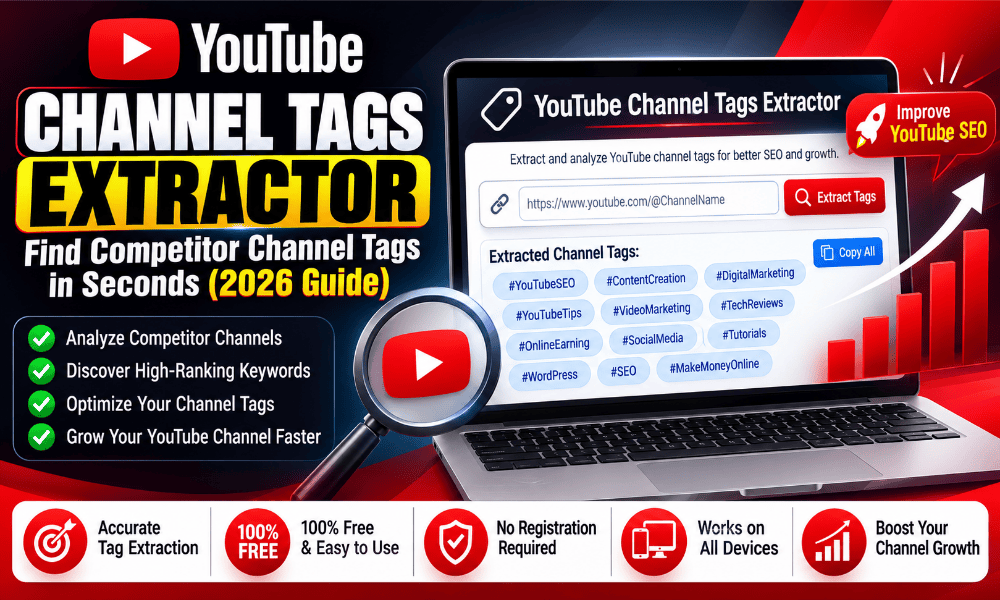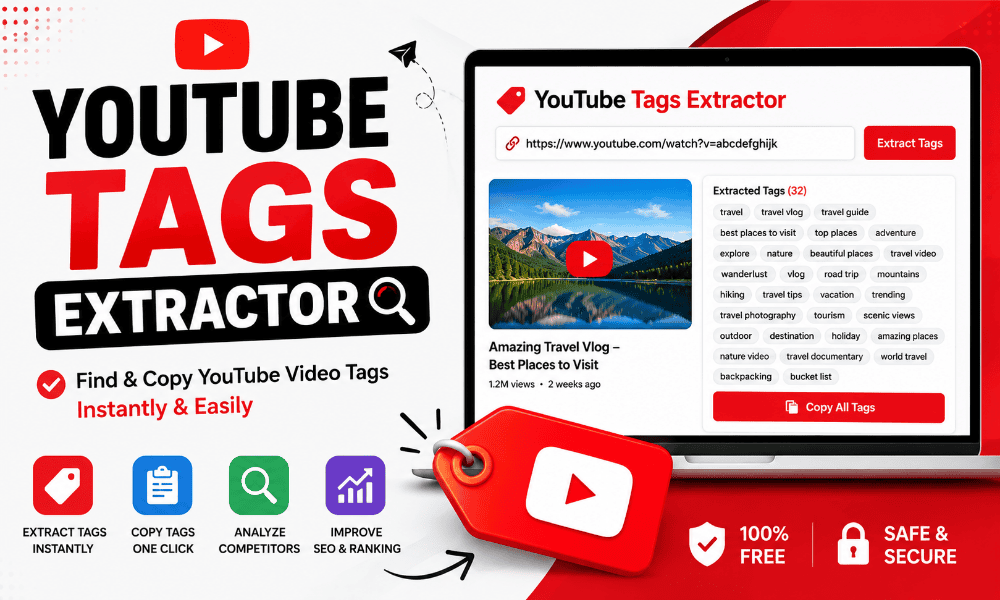

In the competitive world of online video content, standing out requires more than just high quality production. It demands a deep understanding of the algorithms that govern visibility and search rankings.
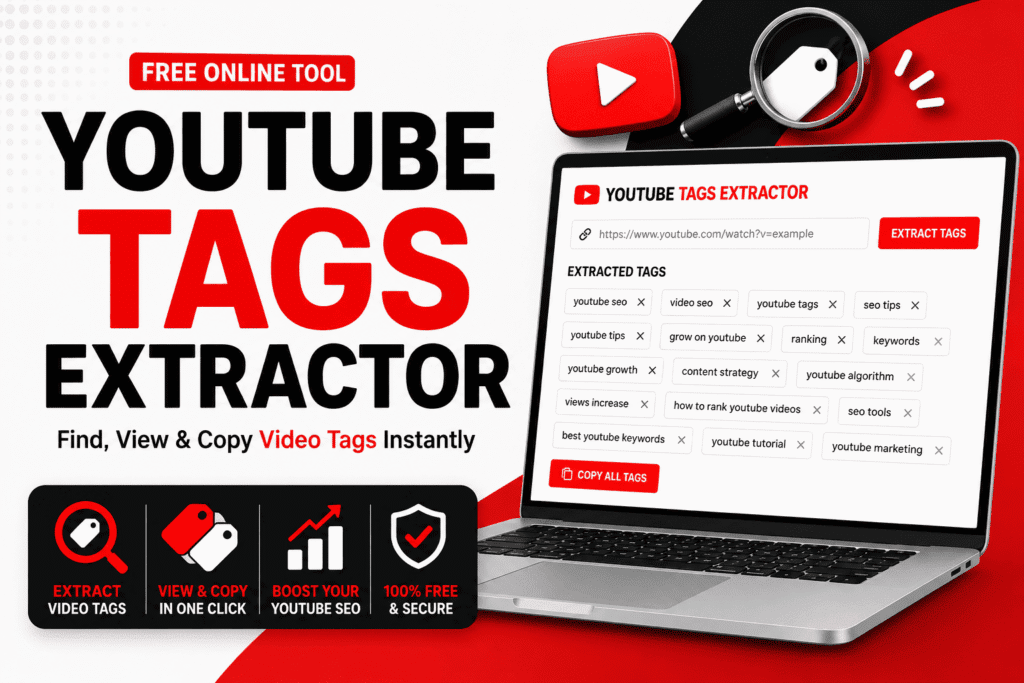
One of the most powerful tools in a creator arsenal is the YouTube Tag Extractor. This specialized software allows you to peek behind the curtain of successful videos to see exactly which keywords your competitors are using to drive traffic.
By leveraging a YouTube Tag Extractor, you can bridge the gap between your content and your target audience, ensuring that your videos appear in the right search results and recommendation sidebars.
Understanding the Role of a YouTube Video Tags Extractor
To understand why you need a YouTube Tag Extractor, you must first understand how YouTube categorizes content. While the title and description are primary signals, tags provide additional context to the platform search engine.
They help the algorithm understand the nuances of your video, especially when keywords are broad or have multiple meanings. When you extract tags from YouTube video assets belonging to top ranking creators, you are performing a competitive analysis that reveals the secret sauce of their SEO success.
The Evolution of YouTube Metadata
In the early days of the platform, tags were visible to everyone. However, as the interface evolved, YouTube hid these tags from the public view to clean up the user experience. This change made it difficult for new creators to learn from established ones.
This is where a YouTube Tag Extractor becomes essential. It bypasses the hidden interface to show you the metadata that is still working hard in the background to influence rankings.
Even though YouTube has stated that tags play a smaller role than they used to, they remain a critical tie breaker in competitive niches where every bit of optimization counts. For instance, if you are targeting a keyword like “Apple,” tags help distinguish whether your video is about the fruit, the technology company, or the record label.
Why Competitor Analysis Matters
Competitor analysis is not about copying; it is about learning what the market responds to. If a video has five million views and ranks first for a high volume search term, its tags are likely a major factor. Using a YouTube Tag Extractor allows you to see the specific phrases that are triggering the algorithm. By analyzing several top performing videos in your category, you can identify patterns. This data driven approach removes the guesswork from your content strategy. You might discover that top creators are using specific year based tags or localized keywords that you had previously overlooked in your own planning.
How to Use a YouTube Tag Generator and Extractor Effectively
Using a Free YouTube Tag Extractor is generally a straightforward process, but doing it effectively requires a strategic mindset. You do not want to simply copy every tag you find. Instead, you should curate a list that accurately reflects your unique content while borrowing the high traffic terms that are relevant to your topic. A balanced tag profile includes a mix of broad category terms and highly specific long tail phrases.
Step by Step Guide to Extracting Tags
- Identify a high performing video in your niche that covers a similar topic to your own. Look for videos with high engagement rates relative to their view count.
- Copy the URL of the video from your browser address bar or the share button.
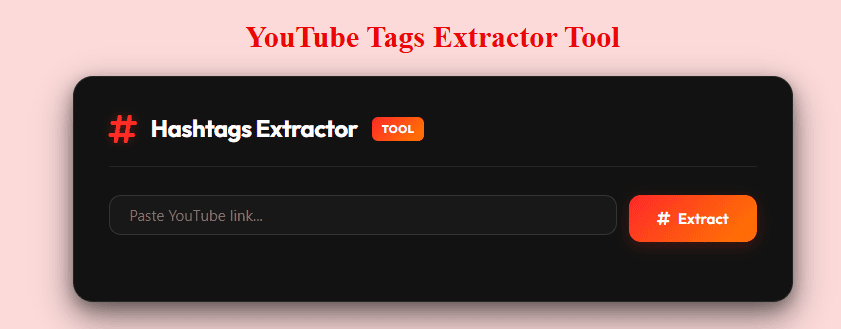
- Paste the link into a reliable YouTube Tag Extractor tool.
- Review the generated list of keywords and filter out any that are specific to the competitor brand name or personal names.
- Select the most relevant high volume terms and integrate them into your own video metadata, ensuring they align with your actual content.
Integrating Tags into Your SEO Strategy
Once you have used a YouTube Tag Extractor to gather data, the next step is implementation. You should place your most important keywords at the beginning of your tag list. The algorithm tends to give more weight to the first few tags. Furthermore, ensure that your tags are reflected in your video description and spoken naturally within the video itself. This creates a cohesive signal for the search engine, proving that your video is truly about the topics you claim to cover. This concept is often referred to as keyword relevancy and is a cornerstone of modern digital marketing.
The Benefits of Using a YouTube Tags Finder
The primary benefit of a YouTube Tag Extractor is the time it saves. Manually researching keywords can take hours, but an extractor provides a comprehensive list in seconds. This efficiency allows you to spend more time on the creative aspects of video production while still maintaining a professional level of SEO. Furthermore, these tools often reveal hidden opportunities in the form of related keywords that you might not have considered during your initial brainstorming sessions.
- Improved Search Visibility: By using the same tags as top videos, you increase your chances of appearing in the Recommended sections and the Up Next sidebar.
- Niche Targeting: Identify specific long tail keywords that have lower competition but high intent, leading to better conversion rates.
- Trend Spotting: See which new terms are being used by industry leaders to stay ahead of the curve and capitalize on viral topics.
- Consistency: Ensure your entire channel uses a consistent set of core keywords to build authority within a specific subject matter.
- Algorithm Alignment: Help the AI understand exactly who your target audience is by providing clear, descriptive metadata.
“Success on YouTube is not just about making great videos; it is about making sure those videos can be found. Metadata is the bridge between your creativity and your audience search queries. Without this bridge, even the best content remains invisible.”
Comparing Different Types of Extraction Tools
There are many tools available, ranging from simple web based extractors to complex browser extensions. Choosing the right one depends on your workflow and how much data you need. Some tools offer basic extraction, while others provide search volume estimates and competition scores. For a beginner, a simple web tool is often enough, but professional YouTubers usually opt for integrated suites.
| Feature | Basic Extractor | Advanced SEO Suite |
|---|---|---|
| Tag Extraction | Yes | Yes |
| Search Volume Data | No | Yes |
| Competitor Comparison | Manual | Automated |
| Cost | Usually Free | Subscription Based |
| Bulk Processing | Rarely | Commonly Included |
Web Based Extractors
Web based tools are the most common form of Free YouTube Tag Extractor. They are easy to use because they do not require any installation. You simply visit a website, paste a link, and get your results. These are perfect for creators who are just starting out or those who only need to check tags occasionally. They are also platform agnostic, meaning they work just as well on a mobile phone as they do on a desktop computer.
Browser Extensions
For more frequent users, browser extensions offer a more integrated experience. These tools overlay data directly onto the YouTube interface. As you browse videos, you can see the tags, view counts, and SEO scores in real time. This is incredibly useful for deep research and for understanding the landscape of a specific search term as you navigate the site. Popular examples include VidIQ and TubeBuddy, which provide a wealth of data beyond just tag extraction.
Advanced Strategies for YouTube Keyword Extraction
To truly excel, you must go beyond simple extraction. You need to analyze the intent behind the keywords. Not all tags are created equal. Some are designed to capture broad traffic, while others are meant to convert viewers into subscribers or customers. A sophisticated strategy involves looking at the tags of videos that are currently trending versus those that have sustained long term views over several years.
Analyzing Keyword Intent
When you extract tags from YouTube video pages, categorize them into three groups: informational, navigational, and transactional. Informational tags are for people looking to learn something, such as “how to bake a cake.” Transactional tags are for people ready to buy or sign up, like “best kitchen mixer review.” By understanding which intent your competitor is targeting, you can tailor your own content to fill gaps they might have missed or compete directly for high value viewers.
The Importance of Brand Tags
You will often notice that successful channels include their own brand name in their tags. While you should not copy their brand name, you should definitely include your own. This helps the algorithm link your videos together, making it more likely that a viewer who watches one of your videos will be recommended another one of yours next. This is a vital part of building a cohesive brand identity and increasing your channel total watch time.
Common Mistakes to Avoid with Tag Extractors
While a YouTube Tag Extractor is a powerful ally, it can lead to problems if used incorrectly. One of the biggest mistakes is tag stuffing. This is the practice of adding dozens of irrelevant tags in hopes of catching more traffic. YouTube algorithm is sophisticated enough to recognize when tags do not match the video content, and this can lead to a shadow ban or reduced reach.
- Irrelevant Keywords: Never use tags that have nothing to do with your video just because they are popular. This confuses the algorithm and leads to poor retention.
- Overloading: Stick to 10 to 15 highly relevant tags rather than filling the entire 500 character limit with fluff.
- Ignoring Descriptions: Tags are not a substitute for a well written, keyword rich description. The description provides much more context for the search engine.
- Copying Brand Names: Using another creator brand name in your tags can be seen as deceptive and may lead to community guideline strikes.
- Neglecting Updates: SEO is not a one time task. Revisit your tags every few months to ensure they are still relevant to current search trends.
Maximizing Your Reach with a YouTube Tag Generator
A YouTube Tags Generator often works in tandem with an extractor. While the extractor tells you what is working now, a generator can help you find related terms that your competitors might have missed. This allows you to expand your reach into adjacent topics. For example, if you are making a video about vegan recipes, an extractor might give you “vegan dinner,” but a generator might suggest “plant based meal prep” or “easy meatless Monday ideas.” This lateral thinking is what separates top tier creators from the rest of the pack.
The Role of Tags in the Algorithm
It is important to keep in mind that while a YouTube Tag Extractor is helpful, it is only one piece of the puzzle. YouTube algorithm also looks at click through rate, average view duration, and engagement metrics like likes and comments. Tags help you get in front of the audience, but your content must keep them there. Use the tags to get the initial click, and then use your storytelling and production value to keep the viewer engaged until the end. Think of tags as the invitation to the party, while the video content is the party itself.
Frequently Asked Questions
What is a YouTube Tag Extractor?
A YouTube Tag Extractor is a digital tool that allows users to see the hidden keywords and tags associated with any public video on the platform. By entering the video URL, the tool pulls the metadata from the source code and presents it in an easy to read format. This is essential for competitive research and SEO optimization.
Are YouTube tags still important in 2024?
Yes, tags are still important, although their weight has shifted. YouTube has stated that tags are most useful when the content of your video is commonly misspelled or when the topic is ambiguous. They still contribute to the overall SEO profile and help the algorithm categorize content correctly within its massive database.
Is it legal to extract tags from a competitor video?
Yes, it is perfectly legal and a standard practice in digital marketing. The tags are part of the public metadata of the video, even if they are not visible in the standard user interface. Using a YouTube Tags Finder to see this information does not violate any terms of service, provided you use the information for your own SEO strategy and do not engage in deceptive practices.
How many tags should I use per video?
While YouTube allows up to 500 characters in the tag section, it is best to focus on quality over quantity. Most experts recommend using 10 to 15 highly relevant tags. This includes a mix of broad terms, specific long tail keywords, and your own brand tags. Overloading the section with irrelevant terms can actually hurt your rankings.
Can I use an extractor on my own old videos?
Absolutely. In fact, auditing your own old content is a great way to improve your channel performance. By using an extractor to see what tags you used in the past, you can compare them against current high performing videos and update your metadata to reflect modern search trends.
Conclusion
Mastering the use of a YouTube Tag Extractor is a game changer for any serious content creator. By pulling back the curtain on competitor strategies, you gain invaluable insights into what the algorithm rewards. Whether you use a YouTube Tag Extractor to find new keyword ideas or a YouTube Video Tags Extractor to refine your existing metadata, the goal remains the same: to make your content as discoverable as possible. Remember to use these tools ethically, focusing on relevance and user intent rather than just chasing high volume numbers. Combine your tag research with compelling titles, engaging descriptions, and high quality video content to build a channel that not only ranks well but also resonates with your audience. With the right tools and a data driven mindset, you can navigate the complexities of YouTube SEO and achieve the sustainable growth your channel deserves. Start extracting today and watch your visibility soar.