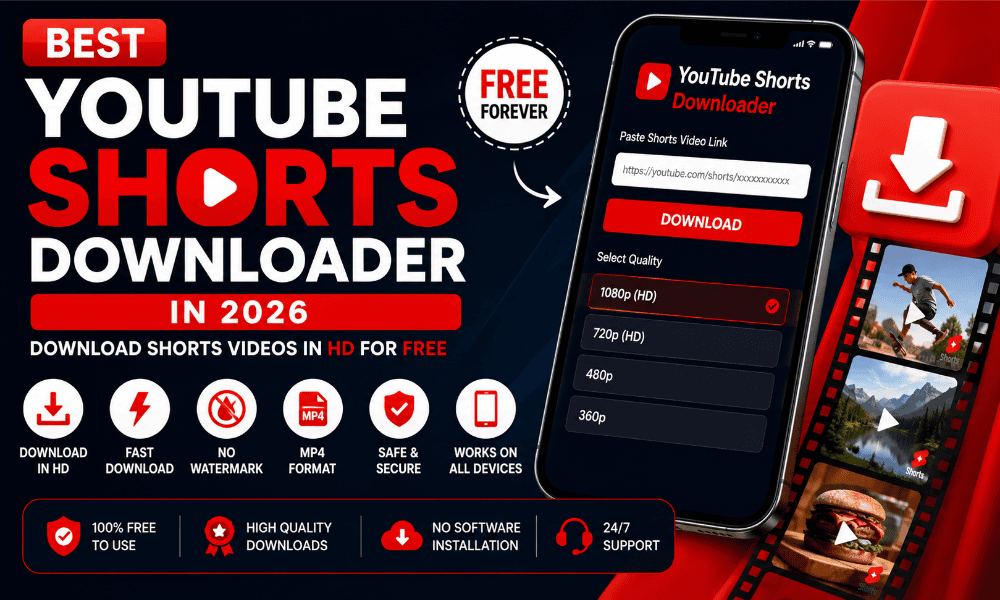
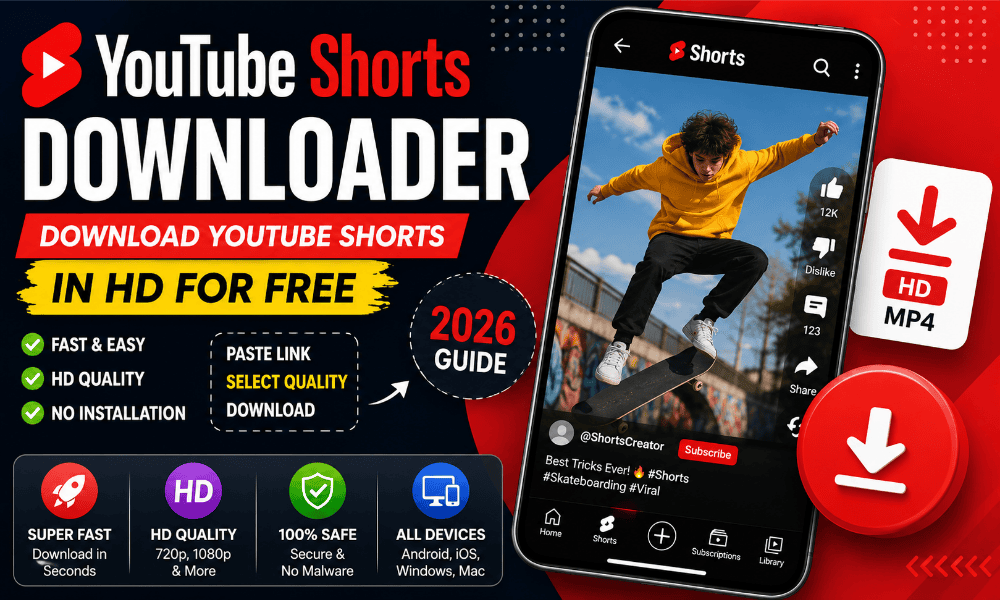
YouTube Shorts are quick vertical videos for entertainment, tutorials, recipes, news, gaming, and learning. If you want to keep a Short for offline viewing, reference, or a project you are authorised to use, a shorts downloader can offer a straightforward link-based workflow. The important details are choosing a trustworthy tool, understanding which quality options are actually available, and respecting the creator’s rights and YouTube’s rules.
This guide explains how a shorts downloader works, how to save a Short on Android, iPhone, or a computer, what to check before downloading, and what to do when a link fails. It is written for viewers in India and other users who want clear, practical instructions rather than exaggerated promises.
What Is a Shorts Downloader?
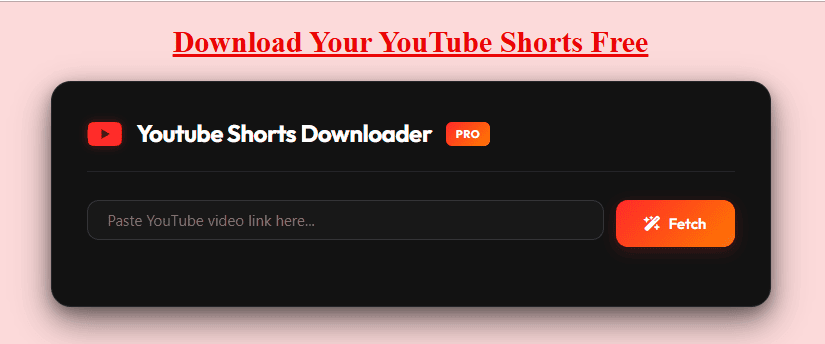
A shorts downloader is an online tool or application that attempts to turn a YouTube Shorts link into a downloadable video file. Many browser-based tools follow the same basic process: copy a public Short’s link, paste it into the tool, check the available output options, and save the file if the tool can process that link.
A shorts downloader is not the same as YouTube’s built-in offline viewing feature. YouTube’s own downloads are generally stored inside the YouTube app for offline playback, where available, rather than as a normal video file in your phone’s gallery. YouTube also allows creators to download videos they uploaded themselves through YouTube Studio. See YouTube’s official download instructions.
YouTube describes Shorts as short-form videos up to three minutes long, subject to its eligibility rules. The current official overview is available in YouTube Help.
How to Use a Shorts Downloader Online
The process is usually similar across browser-based tools. The labels may differ, and not every link will produce downloadable options.
Step 1: Copy the YouTube Shorts link
Open YouTube and find the Short you want to save. Tap Share, then select Copy link. On a computer, you can usually copy the URL from the browser address bar or use the Share option. Check that you copied the actual video link, not a channel link or a search-results page.
Step 2: Paste the link into the shorts downloader
Open the downloader page in your browser and paste the link into its input field. Select the button shown on the page, such as Download, Fetch, or Convert. A legitimate workflow should make it clear what action you are taking. Be cautious if the page asks you to install an unrelated app, enable browser notifications, or provide your Google password.
Step 3: Review the available quality and format
If the link can be processed, the tool may show one or more options. MP4 is a common video container, but the available resolution and file size depend on the source and the service. Do not assume every Short can be downloaded in 1080p or that a tool can preserve the original stream perfectly.
Step 4: Save and locate the file
Choose an available option and confirm the download in your browser. On Android, check the Downloads folder or the browser’s download list. On iPhone, files saved through a browser may appear in the Files app, often under Downloads. On a computer, check the browser’s configured download folder. If the browser opens a video instead of saving it, use the browser’s own download control if one is available.
For a simple browser workflow, you can also open the online YouTube Shorts tool and follow the instructions displayed there. Options and availability can change, so rely on the choices shown by the tool rather than assuming a particular resolution is guaranteed.
Shorts Downloader for Android, iPhone, and PC
A browser-based shorts downloader may work on different devices without requiring a separate installation. The exact steps depend on your browser, device settings, and the tool you choose.
Downloading on Android
- Open the Short in the YouTube app and tap Share.
- Choose Copy link.
- Open your preferred browser and visit the downloader page.
- Paste the URL, submit it, and review the available options.
- Save the file, then check Downloads or your file manager.
Avoid APK files from unfamiliar websites that promise extra download features. An online tool should not need your Google account password to process a public link.
Downloading on iPhone or iPad
- Copy the Short’s link using YouTube’s Share menu.
- Open Safari or another browser and paste the link into the tool.
- If an output is offered, choose an available option and start the download.
- Check the browser’s download indicator or open the Files app.
- Move the file to another folder only if you need to organise it.
iOS handles downloaded files differently from Android. A file may remain in Files rather than appearing automatically in Photos. Do not install configuration profiles or unknown apps just to make a download work.
Downloading on a Windows PC or Mac
Copy the URL from YouTube, open the shorts downloader in a browser, paste the link, and check the results. If a file is available, save it to your chosen folder. Use a clear filename if you need it for editing or archiving. If the tool returns no options, the video may be unavailable to that service, restricted, or temporarily unsupported.
Can You Download YouTube Shorts in HD or 1080p?
Sometimes, but it is not guaranteed. The highest quality depends on the original upload, the available media streams, and the downloader’s capabilities. A tool may list 360p, 480p, 720p, or 1080p, but those choices should only be expected when they are genuinely available for that video.
Resolution is only one part of quality. Bitrate, compression, source quality, and audio handling can also affect the result. A 1080p label does not prove that the file is an untouched original or that it will look better than a lower-resolution source. Be wary of claims that every video can be downloaded in 4K, without quality loss, or with every sound preserved.
If storage or mobile data is limited, a lower-resolution file may be sufficient for personal reference. If detail matters, select the highest option the tool actually offers and check the resulting file before relying on it. The best shorts downloader is transparent about available choices instead of promising the same result for every link.
MP4, MP3, and Other Format Options
MP4 is commonly used for video because it is supported by many phones, computers, and editing applications. Some services also advertise MP3 output, which extracts audio rather than saving the full video. Availability varies by tool and by link.
Consider the format based on what you need:
- MP4 video: useful when you need both picture and sound for authorised offline use or editing.
- MP3 audio: suitable only when you have the rights or permission to extract and use the audio.
- Different resolutions: useful for balancing visual detail, file size, and data use.
A format label does not guarantee compatibility with every app. If a file will not play, check the extension and try a reputable media player. Do not install a suspicious codec or executable offered by an unexpected pop-up. Also remember that downloading audio separately does not give you permission to reuse copyrighted music.
Why a Shorts Downloader May Not Work
A link-based tool cannot necessarily process every YouTube Short. If the download fails, check these common causes before trying another service.
The link is incorrect
Copy the link again directly from YouTube. Remove any accidental spaces before or after it. Make sure it points to a specific Short rather than a channel, playlist, or unrelated page.
The video is private, removed, or restricted
Private, deleted, age-restricted, region-restricted, or otherwise limited videos may not be accessible to an external service. Do not attempt to bypass access controls. If you need a copy of your own upload, use YouTube Studio or Google Takeout where applicable.
The service is temporarily unavailable
The tool may be overloaded, under maintenance, or incompatible with a recent platform change. Wait a little, refresh the page, and try again. Avoid repeatedly clicking fake download buttons or opening multiple pop-ups.
The browser blocks the download
Check the browser’s download list and permissions. Make sure the device has enough free storage and that your network connection is stable. If you use a privacy extension, you can check whether it is blocking the page, but do not disable security protection globally just to force a download.
The output quality or sound is different
A tool may offer only certain streams or may process the file before delivering it. Try another available quality if appropriate, but do not assume the original file can always be recovered through a third-party service. If preserving the exact original matters, use the original project file or the creator’s own copy whenever possible.
Is a Shorts Downloader Safe to Use?
No website can be considered safe solely because it calls itself free or says it has no ads. Evaluate the page before using it. A safer approach is to avoid tools that request your YouTube login, ask for payment details without a clear reason, push unrelated extensions, or trigger repeated redirects.
Use these checks:
- Confirm the domain and use an HTTPS connection.
- Do not share passwords, verification codes, or account recovery details.
- Avoid installers, APKs, browser extensions, and executable files you did not intend to download.
- Close pages that imitate system warnings or claim your device is infected.
- Read the site’s privacy policy to understand whether submitted URLs or activity are retained.
- Keep your browser and device software updated.
A browser-based shorts downloader can reduce the need to install another app, but it does not remove every privacy or security risk. Be especially careful on shared devices and public Wi-Fi. If you are downloading a file for work, school, or a client, follow your organisation’s device and copyright policies.
Copyright, Permission, and YouTube’s Rules
A publicly viewable video is not automatically free to copy, redistribute, edit, or use commercially. Copyright may belong to the creator, a music rights holder, or another party. Before saving or reusing a Short, consider why you need the copy and whether you have permission.
YouTube’s Terms of Service restrict downloading or using content except as permitted by the service, with prior permission from YouTube and the relevant rights holders, or as allowed by applicable law. YouTube’s official help page also says users cannot download other people’s videos through the standard creator-download feature, while creators can download their own uploads. Rules and legal exceptions can vary by jurisdiction, so this is general information rather than legal advice.
For creators in India, a prudent approach is to obtain permission before reposting another person’s Short, keep attribution where appropriate, and do not assume that credit alone replaces permission. Commentary, criticism, education, or other uses may be treated differently depending on the facts and applicable law. When in doubt, link to the original Short or ask the rights holder.
Official Alternatives to a Third-Party Shorts Downloader
If you want to watch content offline, start with YouTube’s built-in options. Depending on location, membership, device, and the individual video, YouTube may offer offline downloads in its app. These downloads are designed for playback within YouTube rather than as freely transferable files. See YouTube’s offline viewing information.
If you uploaded the video yourself, YouTube Studio may allow you to download it. You can also use Google Takeout to export videos associated with your account. YouTube notes that some uploads may not be downloadable through Studio, for example because of a removal, a strike, certain audio tracks, or download limits. The official creator download guide explains the current process.
These official methods are preferable when you need your own original upload or a supported offline viewing option. A third-party shorts downloader should not be treated as a replacement for creator backups or platform-approved access.
How to Choose the Right Shorts Downloader
Compare tools based on practical behaviour rather than bold marketing claims. A useful service should explain how to submit a link, show available outputs clearly, work in a current browser, and avoid asking for unnecessary permissions.
Before relying on a tool, ask:
- Does it accept the link format I copied?
- Does it show the actual quality and format before I save?
- Does it work without asking for my Google credentials?
- Are its privacy and contact details easy to find?
- Does it avoid misleading buttons, forced extensions, and excessive redirects?
- Can I use the file lawfully for my intended purpose?
Competitor pages commonly advertise free access, no registration, mobile compatibility, MP4 output, and HD quality. These are service claims, not independent guarantees. Test the workflow carefully and treat features such as batch downloads, watermark removal, or a promised maximum resolution as unverified until the actual interface confirms them.
Frequently Asked Questions About Shorts Downloader Tools
What is the best shorts downloader?
The best choice is one that accepts your link, displays realistic output options, works in your browser, and does not ask for unnecessary personal information. There is no reliable basis for saying one service works for every video or is always the fastest. Check current functionality and the site’s privacy information before use.
Can I use a shorts downloader for free?
Some online tools advertise free access, but their limits, advertisements, supported formats, and availability can change. Review the page before submitting a link, and never enter payment information unless you deliberately chose a paid service and understand its terms.
Can I download Shorts without installing an app?
Some browser-based tools work without an installation. You copy a Short’s link, paste it into the webpage, and save a file if an option is available. Avoid sites that unexpectedly require an APK, extension, or desktop installer.
Can I download YouTube Shorts in 1080p?
Only when the source and the service make that quality available. A 1080p option should not be assumed for every Short, and the label alone does not guarantee original quality.
Where are downloaded Shorts saved on my phone?
On Android, check the Downloads folder or browser download history. On iPhone or iPad, check the Files app and the browser’s download list. A browser download does not necessarily appear automatically in Photos or Gallery.
Why does a shorts downloader show an error?
The URL may be invalid, the video may be unavailable or restricted, or the service may be temporarily unable to process it. Copy the link again, check your connection and storage, and retry later. Do not provide your account password or install suspicious software to fix the issue.
Is it legal to download and repost a YouTube Short?
That depends on the permission you have, the rights involved, platform terms, and applicable law. Public availability does not automatically grant redistribution rights. Ask the creator or rights holder for permission when necessary, and consult a qualified legal professional for advice about a specific situation.
Does a shorts downloader work in India?
Browser-based services may be accessible in India, but access and functionality can vary by network, device, service, and video restrictions. Use a current browser, check the available options, and follow applicable law and YouTube’s terms.
Final Thoughts
A shorts downloader can be convenient when you have a legitimate reason to keep a copy of a video, but no third-party tool can promise to process every link, provide every resolution, or eliminate all security and copyright concerns. Copy the correct URL, review the available file options, save the file to the right folder, and avoid suspicious downloads or login requests.
For offline viewing, consider YouTube’s built-in download feature where available. For videos you created, keep an original backup and use YouTube Studio or Google Takeout when appropriate. Most importantly, respect creators’ rights and use downloaded content only in ways you are authorised to use.